
Plateau and momentum alerts
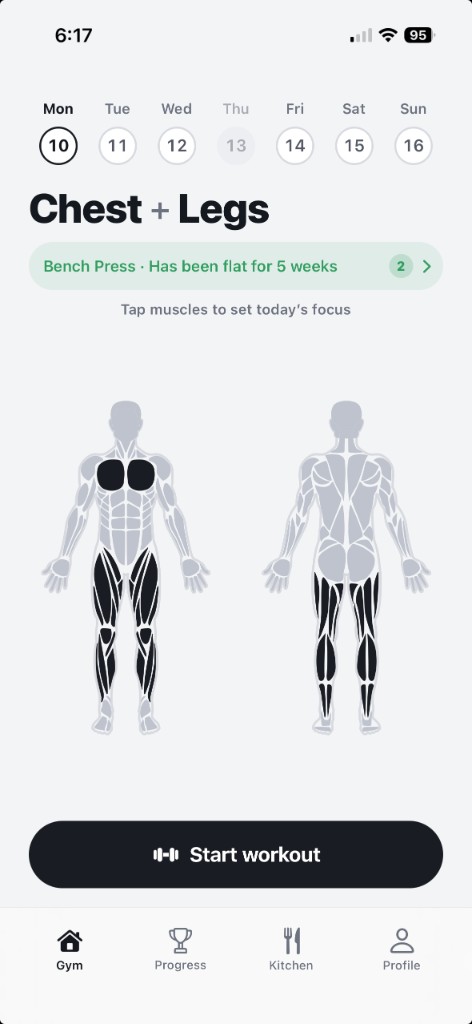
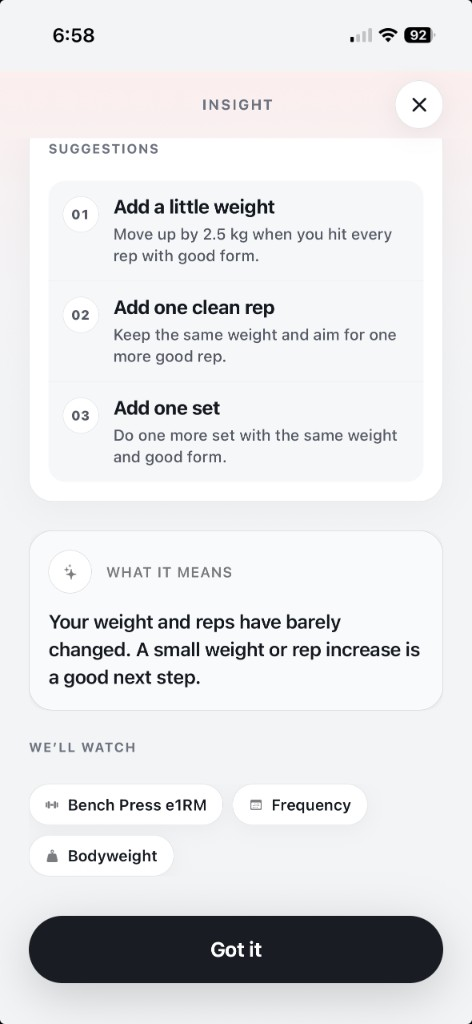
Stalled on bench for five weeks? It notices, explains why, and suggests the fix. It flags lifts that are climbing too.
supastrong is an AI gym tracker. Log your workouts and it monitors your progress, spots plateaus before you feel them, and tells you what to change next session.

You do the training. It keeps watch.
Sets, reps, and weight. A few taps per exercise.
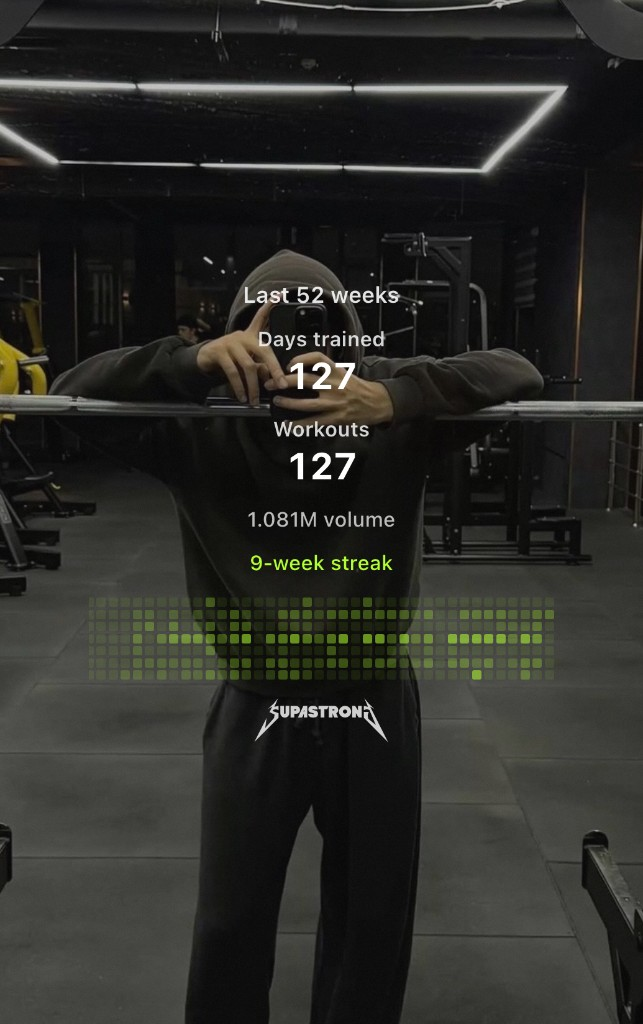
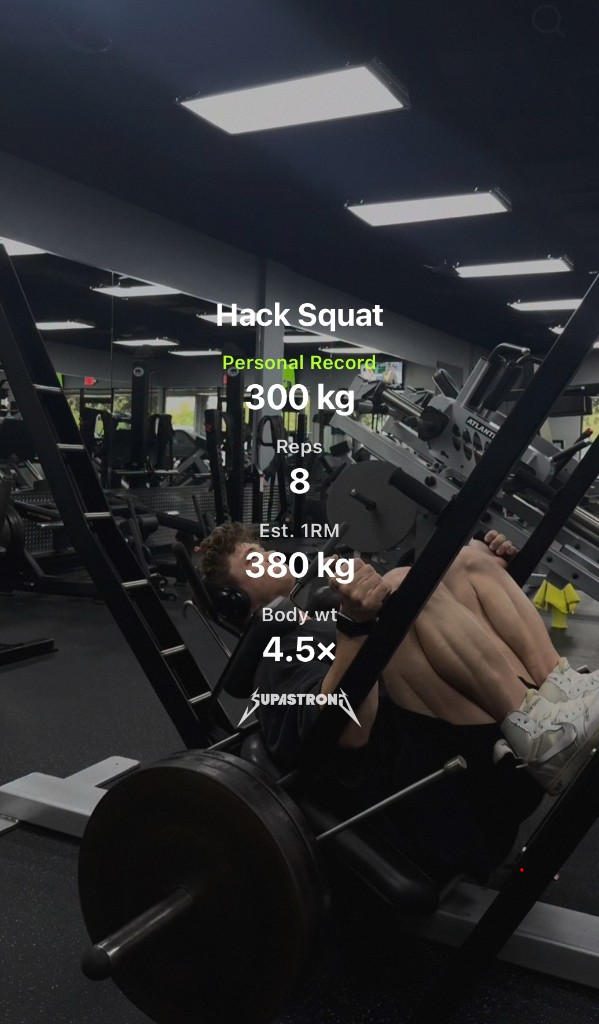
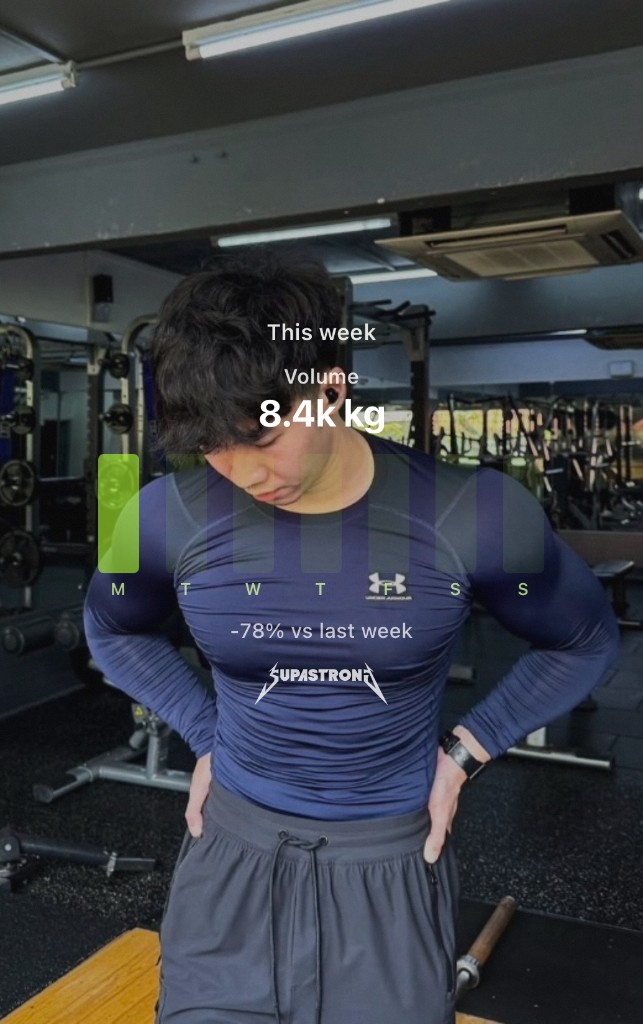
Every lift’s estimated 1RM, volume, and consistency, tracked across your whole history.
When something stalls or takes off, it explains why and what to try next session.
Training, food, and body weight in one place, so the AI sees the whole picture.
Stalled on bench for five weeks? It notices, explains why, and suggests the fix. It flags lifts that are climbing too.
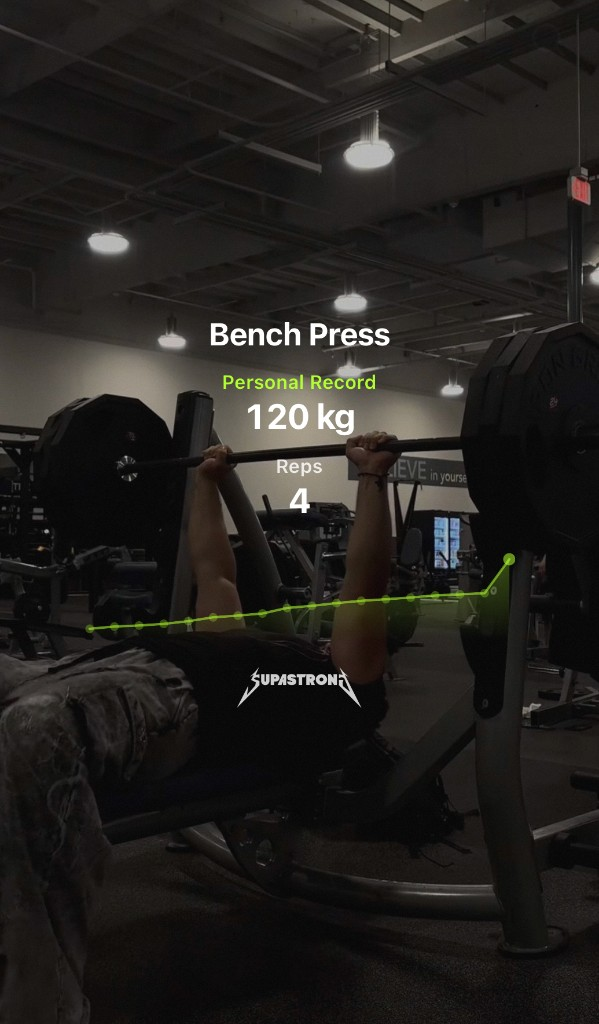
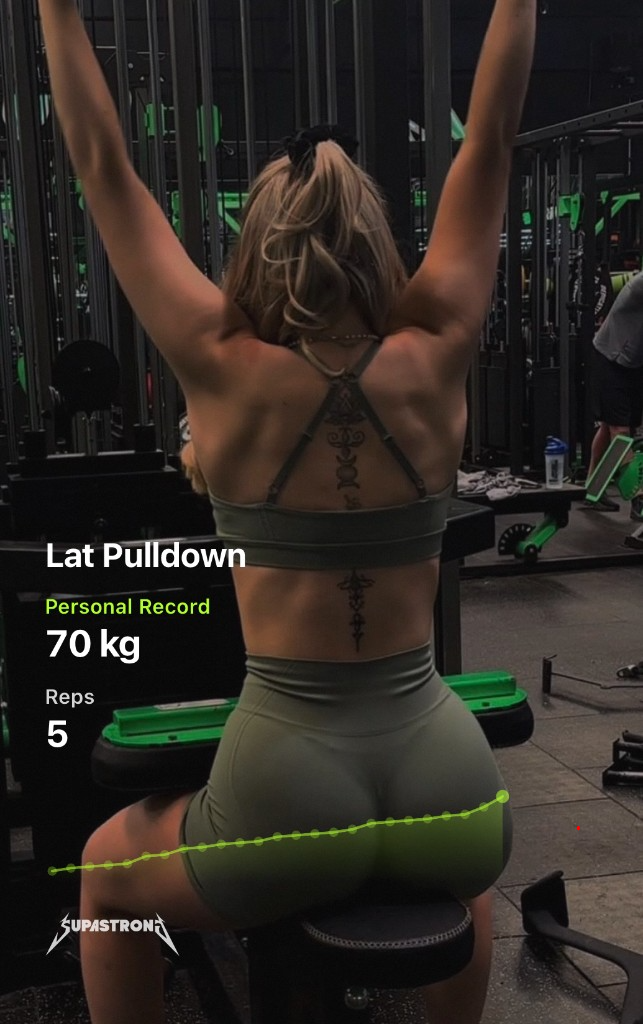
Every lift’s estimated 1RM tracked over time, so you see what’s actually moving instead of guessing.
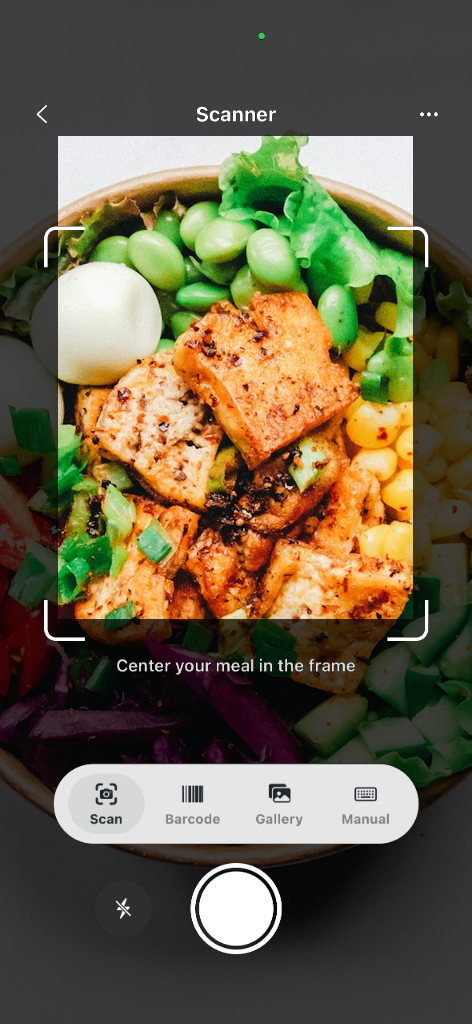
Snap a meal and the AI estimates calories and macros. Adjust anything before you save.
Your calorie target retunes weekly from your real weight trend, so the plan keeps up with your body.
The questions our support hears most.
It reads your logged workouts, meals, and weigh-ins and looks for real patterns:
Insights and the adaptive meal plan are part of supastrong Pro.
No. It only speaks up when your own log shows a real pattern. If there isn’t enough history yet, it stays quiet and tells you to keep logging instead of guessing.
Usually a restore or account mismatch. Try this:
Subscriptions are managed by Apple or Google — not inside the app alone.
Deleting the app does not cancel billing.
Refunds are handled by the store you purchased from (App Store or Google Play). Check your receipt email if you’re unsure which one.
No food scanner is perfect. Use good lighting, fill the frame, then edit calories and macros before saving — you’re always in control of the log.